Removing extra columns
How to remove an extra field that you have added#
- Go to Apps/Manage your apps
- Expand T Risk lite and click Configure
- A new window will open:
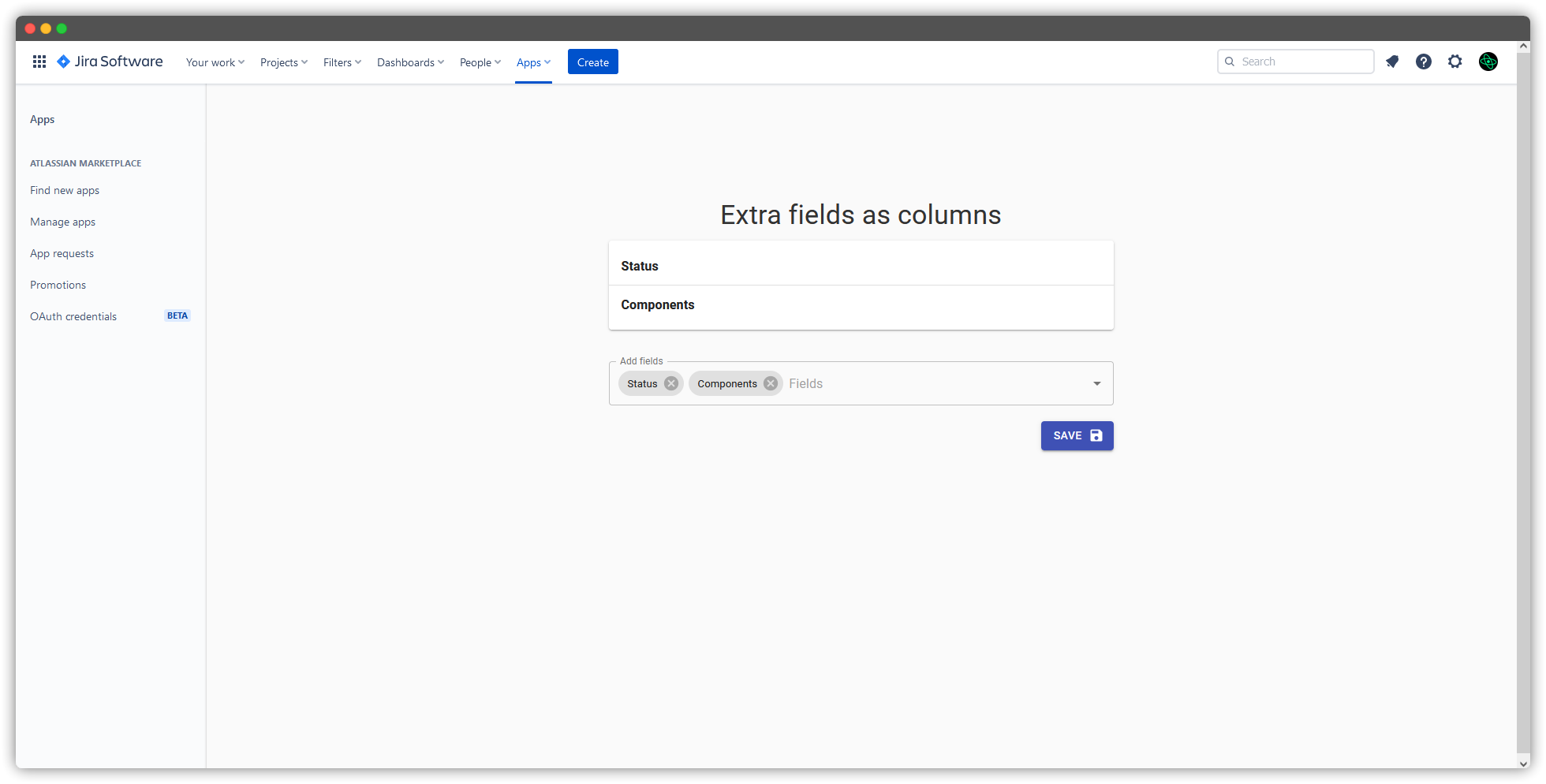
- Click the X button near the fields that you wanna remove
The process looks like this:
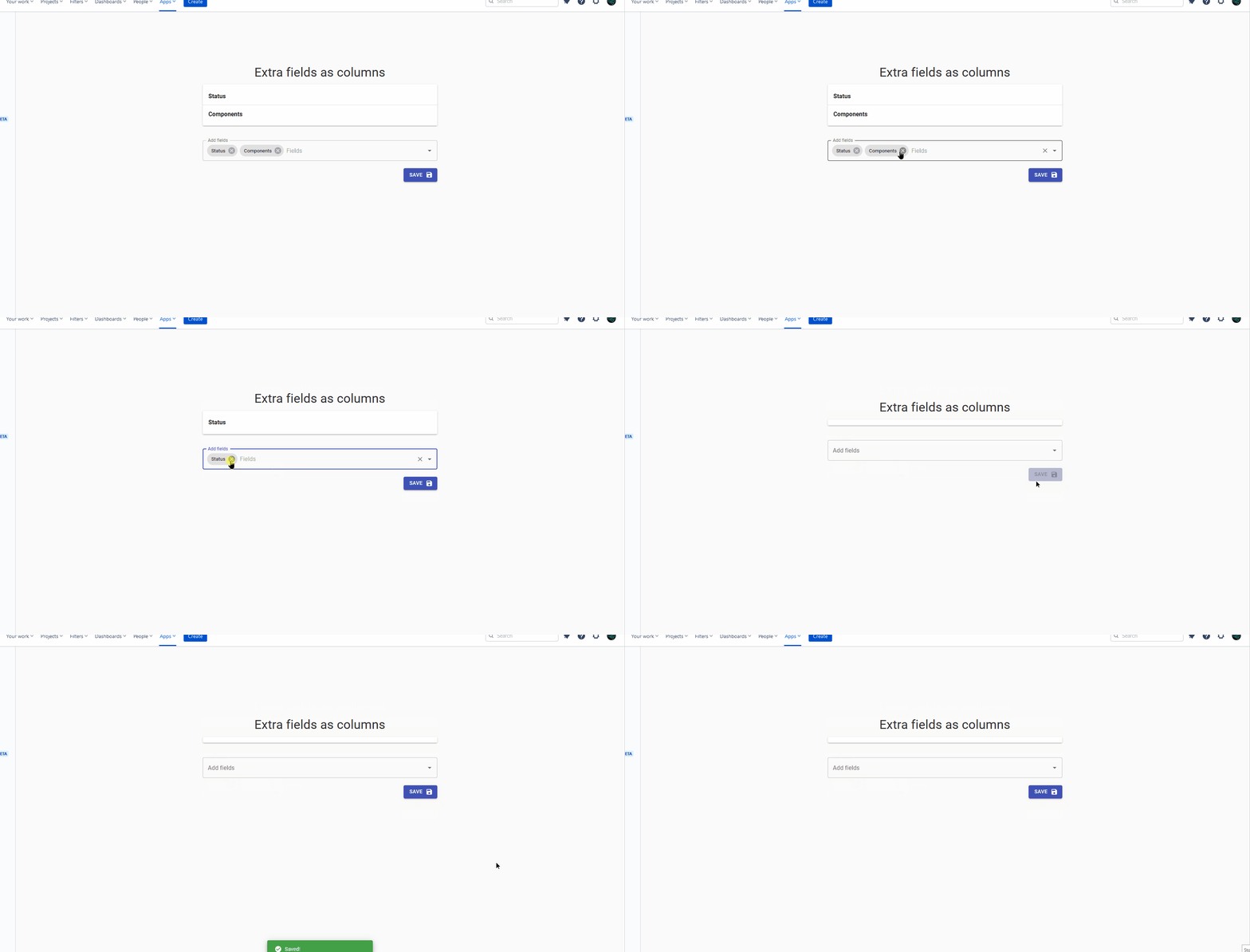
The process looks like this: